Autodesk + Avnet

Design your electronics with sourcing data built in

Autodesk Fusion is the end-to-end product development solution for consumer products. With the Avnet App for Autodesk Fusion, you can find parts, reference designs, and block diagrams without leaving your electronics workflow.

Autodesk & Avnet: design a product you can actually build

Availability, lead times, and tariffs can shape a design as much as performance does. Autodesk and Avnet are connecting two sides of electronics development that have traditionally been separate: connected design and component sourcing.

Avnet has served customers’ evolving needs for more than a century, supporting each stage of a product’s lifecycle, from idea to design and from prototype to production. Together, we bring design tools and supply chain data into one workflow, so you can pick parts that fit your design and your sourcing needs before problems reach your bill of materials.

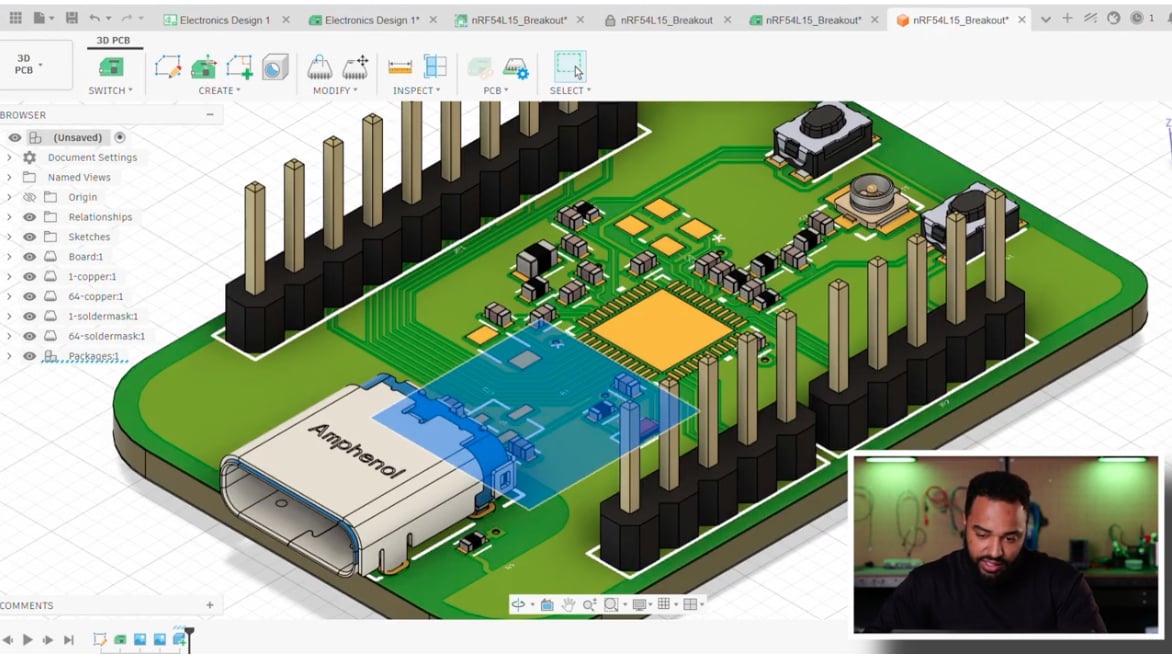
Autodesk Fusion 3D PCB view of a completed nRF54L15 board design

Source components as you design with the Avnet App

The newly updated Avnet App for Autodesk Fusion introduces Public Components, bringing Avnet’s catalog of more than 40,000 parts, and growing, into your electronics design workflow. Search, evaluate, and place parts without leaving your design.

With the free Avnet App you can:

  • Search and swap parts: Find parts by manufacturer part name or number, filter by manufacturer or category in the new Public Components tab, and swap alternatives into your schematic.
  • Source with data in front of you: Review pricing, lead time, and stock as you design. Use BOM optimization to weigh price, lead time, and lifecycle.
  • Start from reference designs: Bring reference schematics and block diagrams from Avnet’s library into your projects.

Design smarter electronics in Fusion with the Avnet App

Getting started

Go from install to first schematic

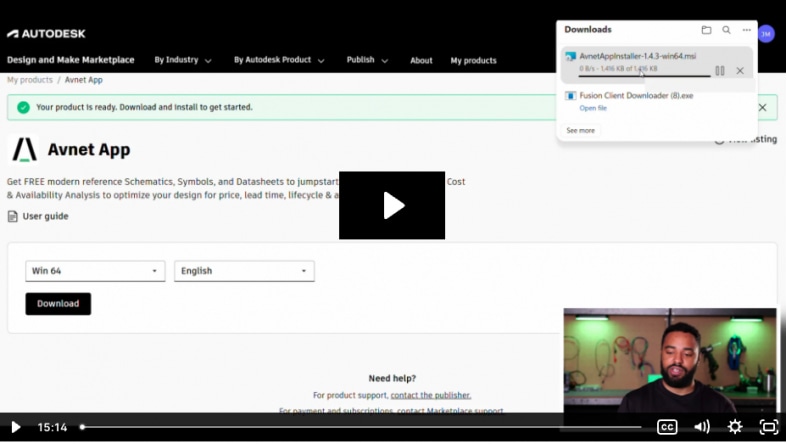
Set up Fusion and the Avnet app, learn the schematic editor, and pull in reference designs from the Avnet design library without leaving Fusion.


Building your schematic

Find, compare, and place the right parts

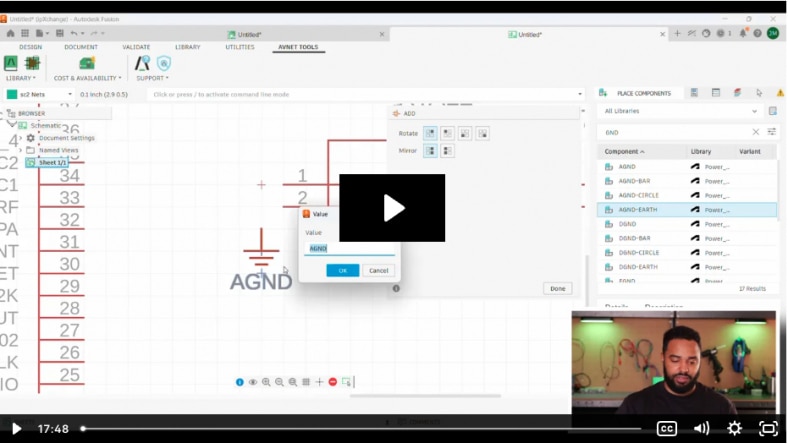
Search Avnet’s catalog by attribute, compare parts side by side, and bring symbols and footprints into your design.


From design to reality

Optimize your BOM and finish your PCB

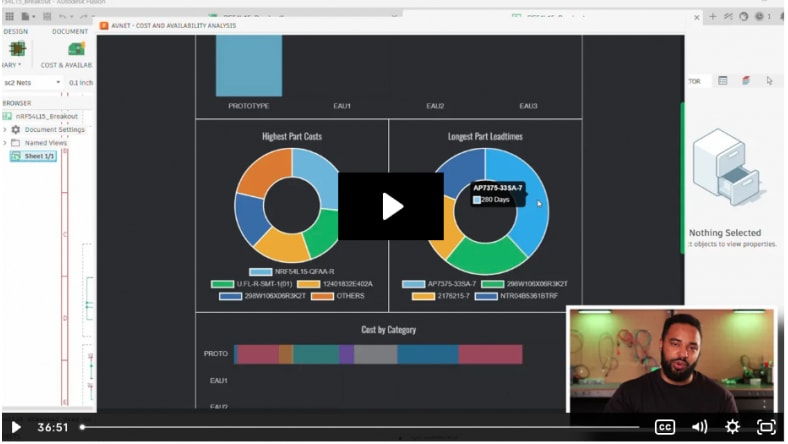
Use Avnet’s cost and availability analysis to balance price, lead time, and tariff impact. Then turn your schematic into a routed PCB, all in Fusion.


Bring your electronics to market faster with Autodesk Fusion

Try Autodesk Fusion free for 30 days. Access integrated CAD, CAM, CAE, PCB, and PDM software, plus the free Avnet App to source parts as you design.

Ready to download?

Whether you use a PC or a Mac, installing the Avnet App for Autodesk Fusion is easy. Visit the Autodesk App Store at the link below and follow along with this video to start using it today. 

Unlock your full potential with Autodesk Fusion and Avnet

Cloud-based 3D CAD, CAM, CAE, PCB, and PDM software for product design.


Gain access to advanced design and simulation tools.


Enhance workflows and improve collaboration with configurable cloud-based PLM.


Connect with an expert about Avnet and Autodesk Fusion

Are you trying to learn if a project is feasible before you invest too much time in your design?


Are you developing a product but sensitive to the costs of your electronics components?


Are you taking a product to market, and you need competitive edge? 


The Avnet App for Autodesk Fusion will meet your needs. Complete this form to have an expert contact you.

Frequently Asked Questions

How do Autodesk and Avnet work together?

Autodesk and Avnet partner to connect electronics design with component sourcing. Autodesk Fusion brings design, engineering, and electronics workflows together in one cloud-based platform. Avnet contributes component sourcing expertise and supply chain information through the Avnet App for Autodesk Fusion, so engineers can evaluate parts, pricing, and lead times as they design.

What is the Avnet App for Autodesk Fusion?

The Avnet App for Autodesk Fusion is a free add-in that brings Avnet’s component catalog, reference designs, and supply chain data into the Fusion electronics design workflow. Engineers can search for parts, review pricing and lead times, and place components without leaving their design.

How do I install the Avnet App for Autodesk Fusion?

Download the Avnet App from the Autodesk Design and Make Marketplace. Choose Windows or Mac, then run the installer. The app uses a custom installer, not the standard Marketplace installer. After installation, the Avnet tools appear in the Autodesk Fusion electronics toolbar.

What are Public Components in the Avnet App for Autodesk Fusion?

Public Components is a tab in the Place panel of Autodesk Fusion. It gives you access to Avnet’s catalog of more than 10,000 parts, and the catalog keeps growing. You can search by manufacturer part name or number, filter by manufacturer or category, and view pricing, lead time, and component status.

Can the Avnet App for Autodesk Fusion add parts to my library?

Yes. The Avnet App lets you search for parts by attribute and download symbols, footprints, and 3D models directly into your Autodesk Fusion project. After downloading, scan for missing libraries in the Library Manager to make the parts available in your schematic.

Can the Avnet App for Autodesk Fusion add reference designs?

Yes. The Avnet design library includes reference schematics and block diagrams that you can download into your Autodesk Fusion projects. Use them as a starting point for a new design or as a reference when refining an existing one.

How does the Avnet App for Autodesk Fusion help optimize my bill of materials?

The cost and availability analysis tool reviews your bill of materials (BOM) and matches parts to real Avnet components. You can optimize for price, lead time, lifecycle, or a mix, swap in alternatives, and sync the results to your schematic. You can also export your BOM as XLSX or CSV.

Can I compare alternative parts in the Avnet App for Autodesk Fusion?

Yes. The Avnet App lets you search by parameter, filter by manufacturer, and compare parts side by side. You can review price, availability, lead time, and specifications, then swap an alternative into your schematic.

Can the Avnet App for Autodesk Fusion estimate tariff impact?

Yes. The cost and availability analysis includes a tariff estimator and a view of cost by country of origin. These help you understand how sourcing location may affect your bill of materials cost.

Where can I learn how to use the Avnet App for Autodesk Fusion?

Watch the three-part Avnet App tutorial series on this page. It walks through installing Fusion and the app, building a schematic with the parts search, and using cost and availability analysis to finish a PCB design.

See more FAQ