& Construction

Integrated BIM tools, including Revit, AutoCAD, and Civil 3D
& Manufacturing

Professional CAD/CAM tools built on Inventor and AutoCAD
Design and generate CAM toolpaths without the hassle of changing software. Reduce cycle time and rework with CAD-embedded 2.5- to 5-axis milling, turning, and mill-turn capabilities.
HSMWorks overview video (1:50 min.)
Instead of bouncing between SOLIDWORKS and other CAM tools, Autodesk Fusion offers HSMWorks users an alternative, providing a single, seamlessly integrated CAD/CAM solution that unifies design and manufacturing in one platform.
Built on a cloud-based architecture, Fusion enables secure, real-time collaboration from any location and centralizes your design data, streamlining team workflows and accelerating product development.
As a future-ready platform, Fusion goes beyond HSMWorks with continuous innovation – from advanced multi-axis toolpaths to generative design and simulation – all under one subscription to keep your business ahead of the curve.
Work in a familiar interface connected to powerful design tools, thanks to full integration with SOLIDWORKS. (video: 55 sec.)
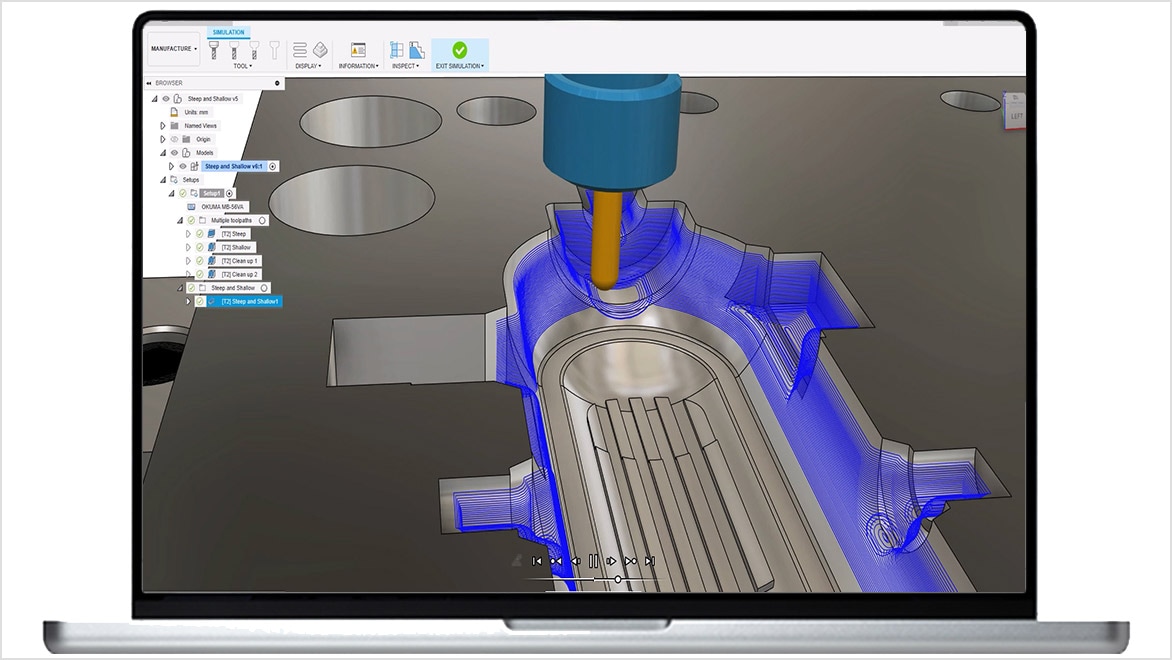
Maximize productivity with a full suite of 2.5- and 3-axis milling strategies. (video: 1:25 min.)
Shorten the time it takes to set up machines and tighten feature tolerances with simple-to-use multi-axis programming. (video: 1:59 min.)
Autodesk HSMWorks is embedded CAM for SOLIDWORKS and provides an integrated workflow from designing to CNC manufacturing. It is used for 2.5- to 5-axis milling, turning, and mill-turn, which allows for shorter milling times while extending tool life.
Autodesk HSMWorks is CAM software used by manufacturers to create program instructions for computers to control a CNC machine.
Your HSMWorks subscription gives you access to install and use the 3 previous versions. Available downloads are listed in your Autodesk Account after subscribing. See also previous releases available for subscribers.
With a subscription to HSMWorks software, you can install it on up to 3 computers or other devices. However, only the named user can sign in and use that software on a single computer at any given time. Please refer to the Software License Agreement for more information.